

Watch Korean TV for Free
Enjoy K-Dramas, Movies, TV Shows, K-POP & More on Your TV






Install on your TV in 3 simple steps
Tap Install. Turn on your TV. That's it.
- Step 1Install
Tap Install
Tap the install button on your phone.
- Step 2
Turn On Your TV
That's it. No setup required.
- Step 3
Ready to Watch
Just press Play.


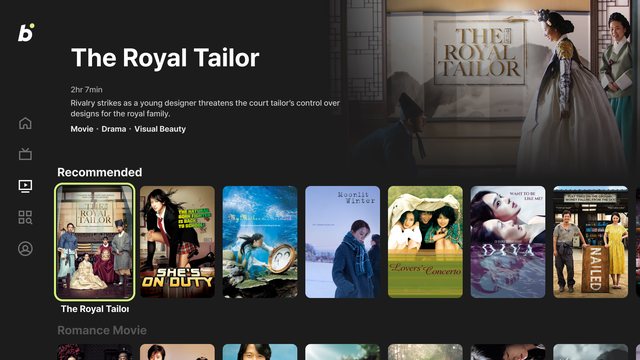
All your K-content
Live channels. On demand. Always free.
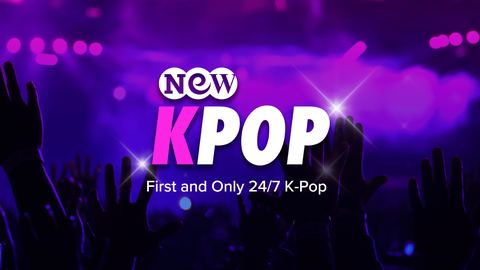
NEW KPOP
K-Pop

NEW KMOVIES
Movies
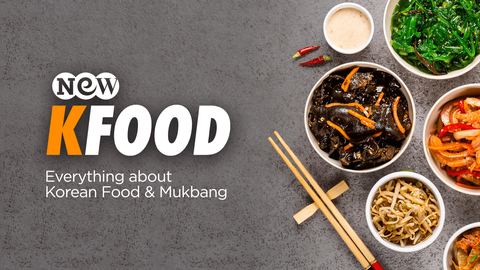
NEW KFOOD
Food · Lifestyle

JTBC News
News

YG TV
K-Pop · Entertainment
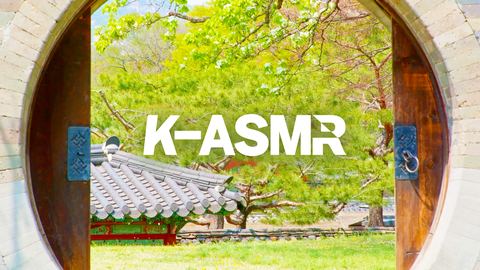
K-ASMR
ASMR · Relaxation
NEW KPOP
K-Pop
NEW KMOVIES
Movies
NEW KFOOD
Food · Lifestyle
JTBC News
News
YG TV
K-Pop · Entertainment
K-ASMR
ASMR · Relaxation
NEW KPOP
K-Pop
NEW KMOVIES
Movies
NEW KFOOD
Food · Lifestyle
JTBC News
News
YG TV
K-Pop · Entertainment
K-ASMR
ASMR · Relaxation
NEW KPOP
K-Pop
NEW KMOVIES
Movies
NEW KFOOD
Food · Lifestyle
JTBC News
News
YG TV
K-Pop · Entertainment
K-ASMR
ASMR · Relaxation

Show Champion
K-Pop · Music

Weekly Idol
Variety

The Heirs
Romance · Drama

Boys Over Flowers
Romance · Drama

Playful Kiss
Romance · Comedy

The Package
Romance · Drama
Show Champion
K-Pop · Music
Weekly Idol
Variety
The Heirs
Romance · Drama
Boys Over Flowers
Romance · Drama
Playful Kiss
Romance · Comedy
The Package
Romance · Drama
Show Champion
K-Pop · Music
Weekly Idol
Variety
The Heirs
Romance · Drama
Boys Over Flowers
Romance · Drama
Playful Kiss
Romance · Comedy
The Package
Romance · Drama
Show Champion
K-Pop · Music
Weekly Idol
Variety
The Heirs
Romance · Drama
Boys Over Flowers
Romance · Drama
Playful Kiss
Romance · Comedy
The Package
Romance · Drama

WAIKIKI 2
Comedy · Variety

Agency
Drama

The Good Detective
Crime · Thriller

Misty
Mystery · Thriller

When the Weather Is Fine
Romance · Drama

Robocar Poli
Kids · Animation
WAIKIKI 2
Comedy · Variety
Agency
Drama
The Good Detective
Crime · Thriller
Misty
Mystery · Thriller
When the Weather Is Fine
Romance · Drama
Robocar Poli
Kids · Animation
WAIKIKI 2
Comedy · Variety
Agency
Drama
The Good Detective
Crime · Thriller
Misty
Mystery · Thriller
When the Weather Is Fine
Romance · Drama
Robocar Poli
Kids · Animation
WAIKIKI 2
Comedy · Variety
Agency
Drama
The Good Detective
Crime · Thriller
Misty
Mystery · Thriller
When the Weather Is Fine
Romance · Drama
Robocar Poli
Kids · Animation
Every K-story, all in one place
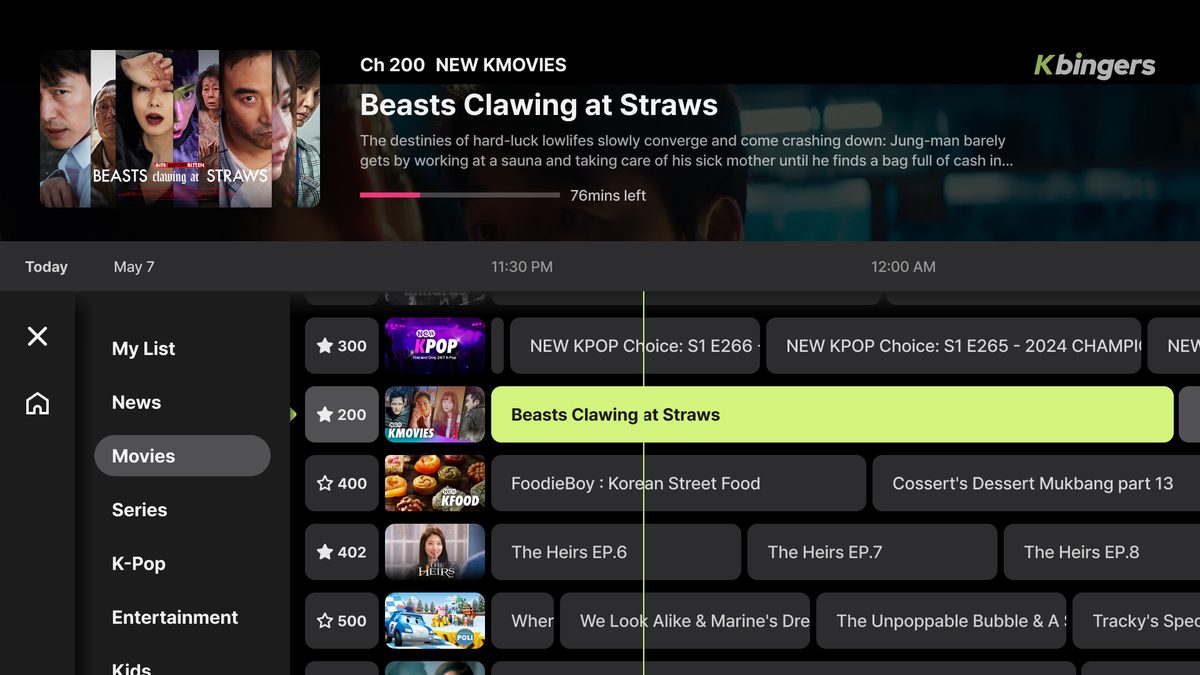
Channel
Kbingers provides a curated environment for viewers to indulge in a variety of K-content genres with 24/7 live streaming, tailored to their preferences. It offers an optimized user experience (UX/UI) for easy content discovery across genres, comprehensive and individual IP channels. In addition to genre-based channels, viewers can binge-watch their desired content on a per-IP basis, maximizing their viewing pleasure.
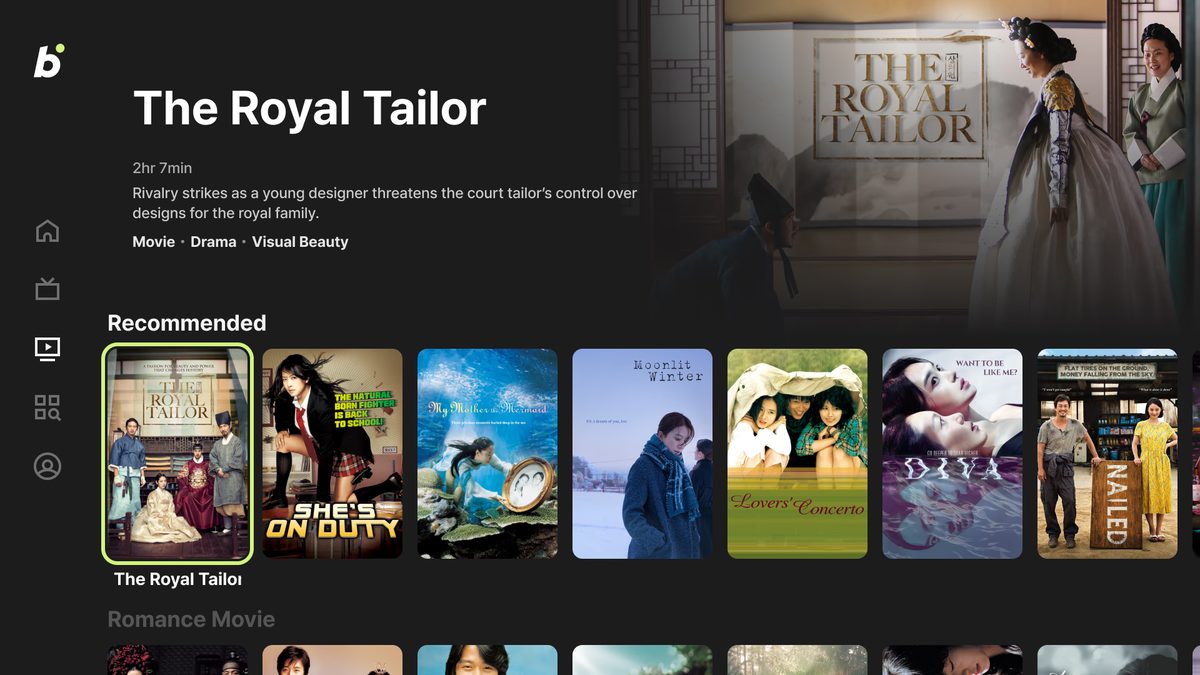
On Demand
Kbingers provides a convenient service that allows users to select and watch their favorite K-content for free at any time. It offers the flexibility to enjoy a wide variety of Korean genres and topics. The intuitive user interface and search functions make it easy to find specific programs or movies, creating a more seamless viewing experience for users.
Questions? We're always here to help
Kbingers is a specialized FAST platform where you can watch all genres of Korean content for free. You can now access over 45 of NEW ID’s premium FAST channels and more than 70 AVOD content options, all entirely free on Kbingers.
Yes, Kbingers is a free service that you can enjoy without any subscription or additional payment.
Kbingers is available in North America.
Kbingers is available on Samsung Smart TV, LG Smart TV, Amazon Fire TV, Roku, VIZIO, and Google TV.
◼︎ If you have Samsung Smart TV 1. Navigate left from the 'Home' icon and select the 'Search' icon. 2. Type 'Kbingers' (it doesn't have to be capitalized). 3. Click on 'Kbingers' within the app category. 4. Get ready to enjoy a variety of Korean content across all genres. ◼︎ If you have LG Smart TV 1. Click the 'Search' icon on the home screen. 2. Type 'Kbingers' (it doesn't have to be capitalized). 3. Click on 'Kbingers' within the app category. 4. Click 'Install'. 5. Click 'Launch' and get ready to enjoy a variety of Korean content across all genres. ◼︎ If you have Roku 1. Click 'Search'. 2. Search for 'Kbingers' (it doesn't have to be capitalized). 3. Click 'Kbingers', then click 'Add app'. 4. Click 'Open app' and get ready to enjoy a variety of Korean content across all genres. ◼︎ If you have Amazon Fire TV 1. Click 'Find' to the left of 'Home'. 2. Scroll down and click on the search bar. 3. Search for 'Kbingers'. 4. Click the 'Get free to download' button. 5. Click 'Open'. ◼︎ If you have VIZIO 1. Click 'Apps' on the left of main page. 2. Click 'App search'. 3. Type 'Kbingers' and click. 4. Click 'Open now'. ◼︎ If you have Google TV 1. Go to the Search tab on the home screen. 2. Type 'Kbingers' or use voice search. 3. Select the app from the results. 4. Click Install. 5. Click Open.
◼︎ Channel You can save your favorite channels by clicking the 'My List' button on the Channel screen or in the Channel Guide. ◼︎ On Demand You can save your favorite content by clicking the 'Add to My List' button on the VOD details page. On ‘My Page,’ you can view all your favorite content from Channel and On Demand. You can also remove items from your favorites.
app-marketing@its-newid.com